

Book a car like
you're texting a buddy
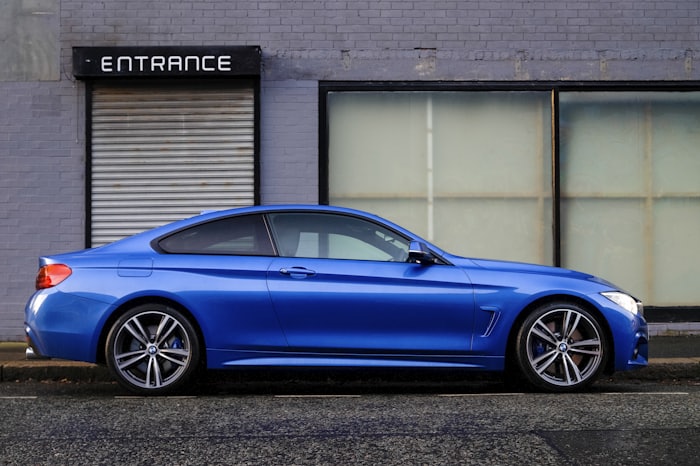
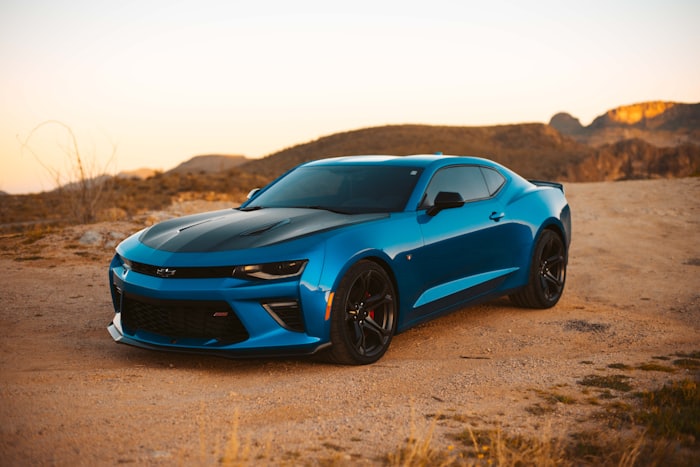
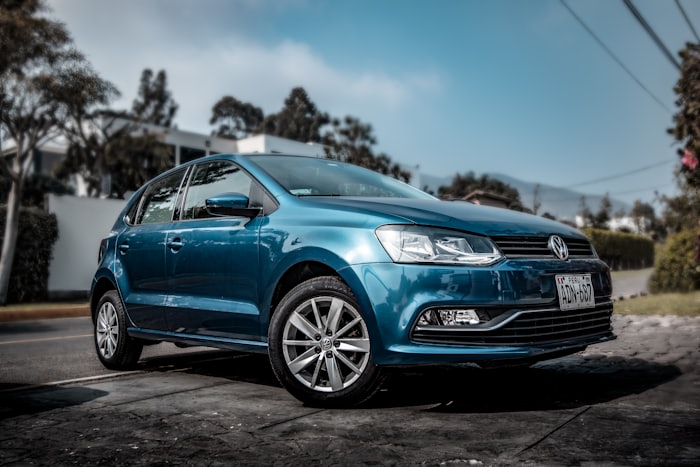
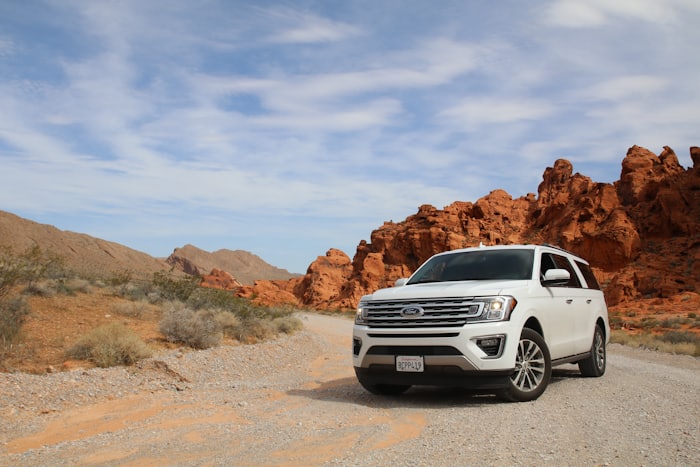
Select a car, pick your travel dates, and enjoy your drive.
Take DriveBuddy
everywhere
Get all the features and services at your fingertips — book instantly, manage your trips, and complete KYC, right from your phone. Coming soon.
Frequently asked
Can't find yours?
Select a car, choose your pick-up and drop-off date & time, and reserve it. Pay the full amount online, or pay a part online now to confirm and hand the rest to the host when you collect the car. You'll then complete ID verification via DigiLocker before the car is allotted to you.
We verify your Aadhaar number and driving licence via DigiLocker for every booking. This keeps every trip on the platform tied to a real, licensed driver, and protects owners' vehicles. Your documents are stored securely and only masked details are ever shown back to you.
You can view and manage upcoming trips from "My bookings." Cancellation terms (refundable window, fees) are shown on the booking summary before you confirm. They can vary by listing.
You can pay the whole booking online up front, or pay a part online now to confirm and settle the rest with the host at pickup. Online payments run through Razorpay — Drive Buddy never stores your card details. A refundable security deposit applies to most bookings and is released after the car is returned in its checked-out condition.
Use "List your car" to sign in and add a listing, title, brand, model, year, pricing and photos. Your car goes live as soon as you save it, and you can hide or delete it any time from your dashboard.